Welcome to New River Light & Power. We’re glad you’re here.
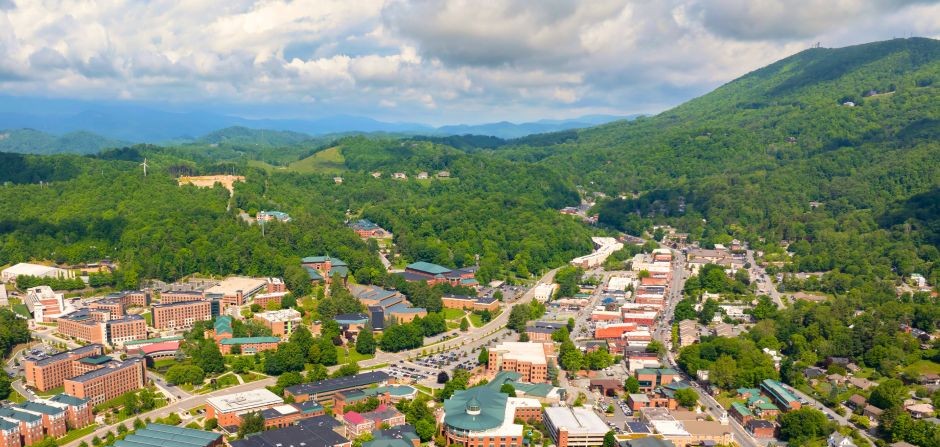
Whether you’re moving into your first apartment, returning to Appalachian State for another semester or settling into a new home in the High Country, welcome! New River Light and Power (NRLP) is proud to be your public power electric provider, serving homes and businesses throughout Boone since 1915.
To help make your move as smooth as possible, we’ve put together a few tips for before and after you start service.
Before You Start Service
Decide who will open the account.
If you’ll be living with roommates, only one person can be listed as the account holder for the electric account. Before applying, decide:
- Who will be responsible for the account
- How utilities will be divided among roommates
- When payments will be collected and made
- If you’d like to sign up for traditional or prepaid billing
Having this conversation before move-in can help avoid confusion later.
Have your information ready
Before you begin your application, make sure you have:
- A valid government-issued photo ID
- Your service address
- Your requested start date for electric service
- Any additional information requested during the application process
Starting service is much easier when everything is ready before you begin. For details on starting service, visit the NRLP Start/Stop Service page.
New to the High Country?
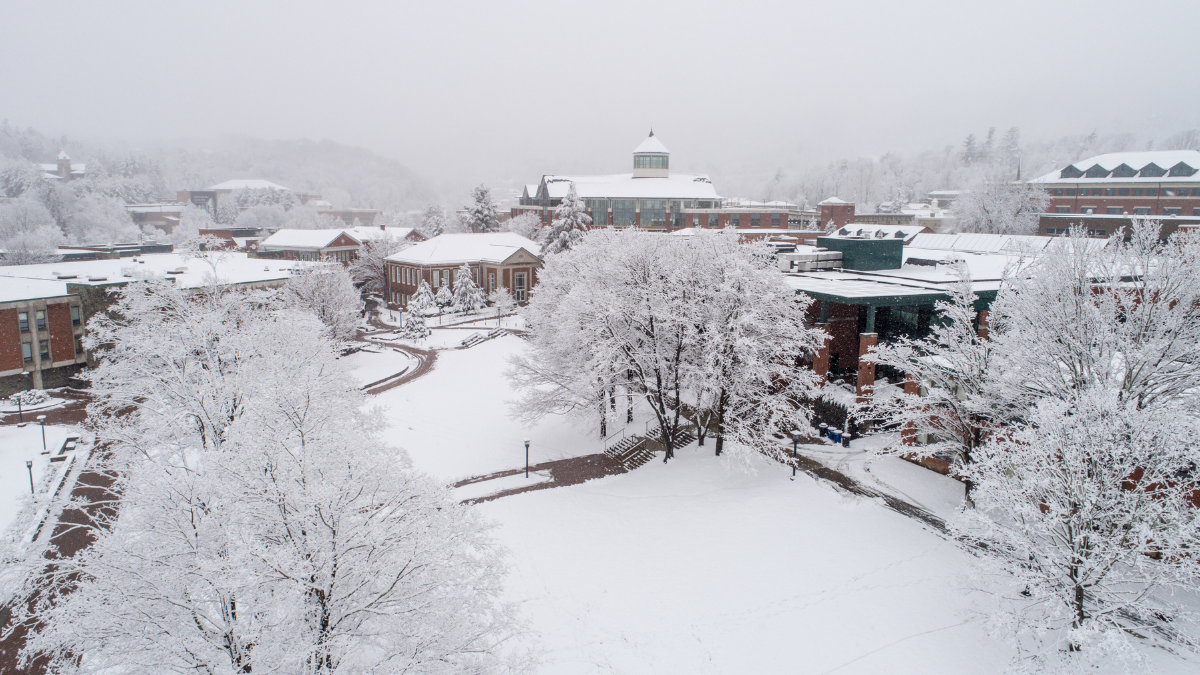
Electric use in Boone may look different from what you are used to. Boone is winter-peaking. Heating often has a greater impact on individual electric use than summer cooling, especially for residential customers.
Your highest bills may arrive during the coldest months — not the hottest.
Learning a few energy-saving habits before winter can make a difference in your monthly bill.
After You’re Connected
Once your account is active, take a few minutes to explore the tools and resources available to help you manage your electric service.
Download the NRLP Connect mobile app
The NRLP Connect app makes it easy to:
- View your account
- Pay your bill
- Monitor electric use
- Receive notifications
- Access your account from anywhere
Explore the Customer Portal
Prefer using a computer? The Customer Portal offers many of the same features and is available anytime.
Know how to report an outage
Summer thunderstorms, wildlife and winter weather — among other things — can occasionally impact electric service.
Report an outage:
- During business hours: call 828-264-3671 or email nrlp-csr@appstate.edu
- After hours: Call 828-264-3671, choose option 2, then option 9 to be forwarded to App State police for dispatching to our on-call team.
- Outage and restoration updates are posted on our homepage
Visit our Resource Center for valuable outage preparedness tips and more. Knowing what to do ahead of time can save valuable time during an outage.
Learn more about your electric service
Curious how your bill works or why electric rates sometimes change? We’ve created resources to help.
- Visit How to Read Your Bill to learn what each section of your monthly bill means.
- Understanding Your Electric Rates explores how power supply costs, usage and other factors can affect your bill.
Stay Connected
Follow NRLP on social media and visit our News Center for seasonal tips, outage information, utility news, community events and helpful resources throughout the year.
NRLP: Community Powered
Whether you’re with us for one semester or many years, our team is committed to providing safe, reliable electric service and helping you get the most from your electric account.
Welcome to the High Country — we look forward to serving you.

Planning your next move?
When the time comes to move away, remember to contact NRLP to stop service and avoid charges after you leave.